
iPad & Apple Watch
FMI OFF Service —
Instant Activation
24hoursunlock Software
Instant solution for supported iPad WiFi and Apple Watch models. Download the software, connect your device, verify compatibility, place your order, and get your result in minutes. The service supports WiFi-only iPad, iPad Air, iPad mini, iPad Pro and Apple Watch Series 5 → Ultra 2.
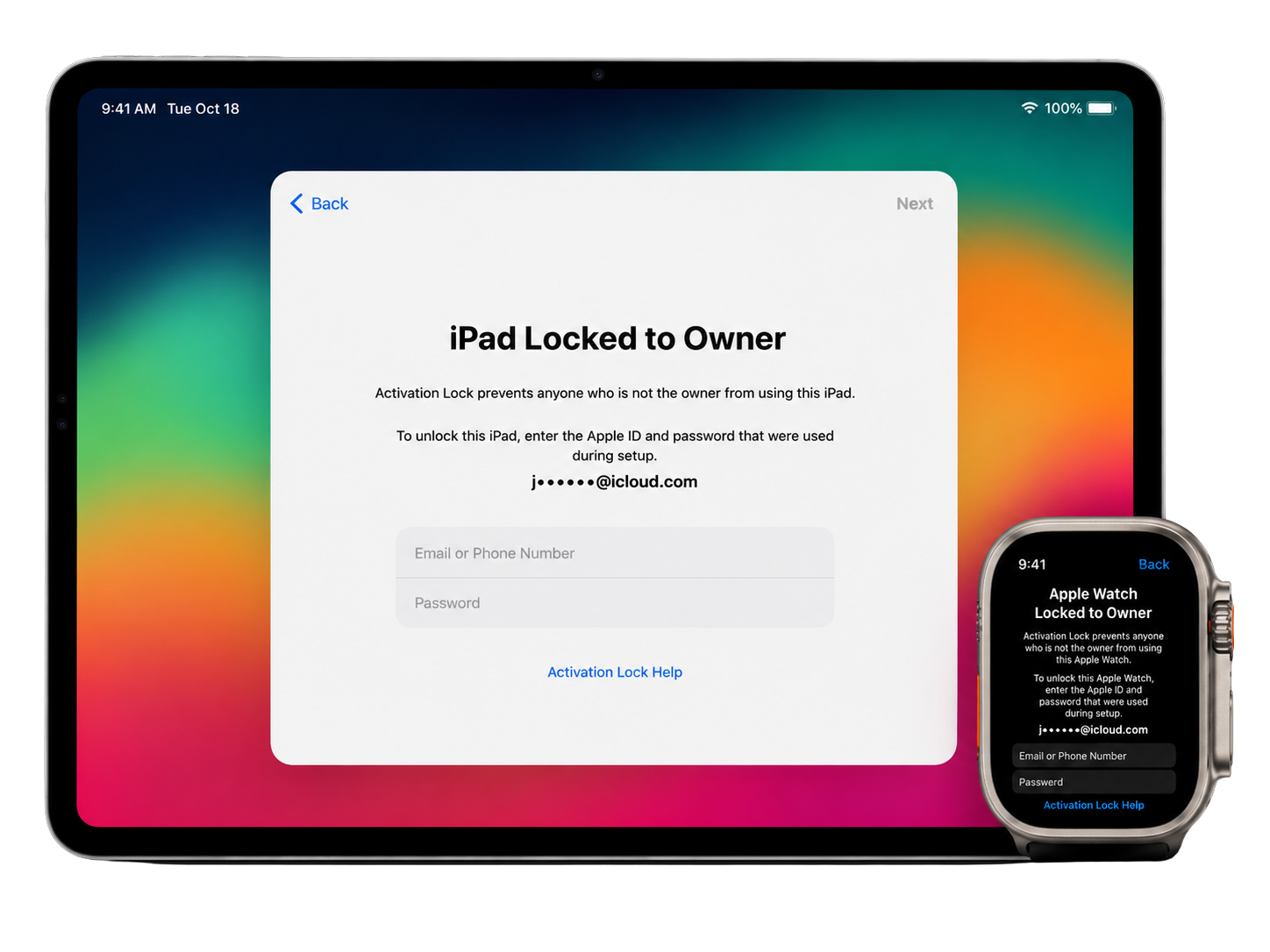
FMI OFF Service for iPad & Apple Watch
The 24hoursunlock FMI OFF Service is designed for supported iPad WiFi models without a cellular (GSM) module and for Apple Watch Series 5 → Ultra 2. The process is simple, fast, and fully automated. Special reseller pricing, bulk device management, API access, and priority support are available for professional unlock services.
Supported Models & Service Pricing
Find your supported model and view current FMI OFF service pricing. Instant delivery, secure activation.
Plist Activator Serial
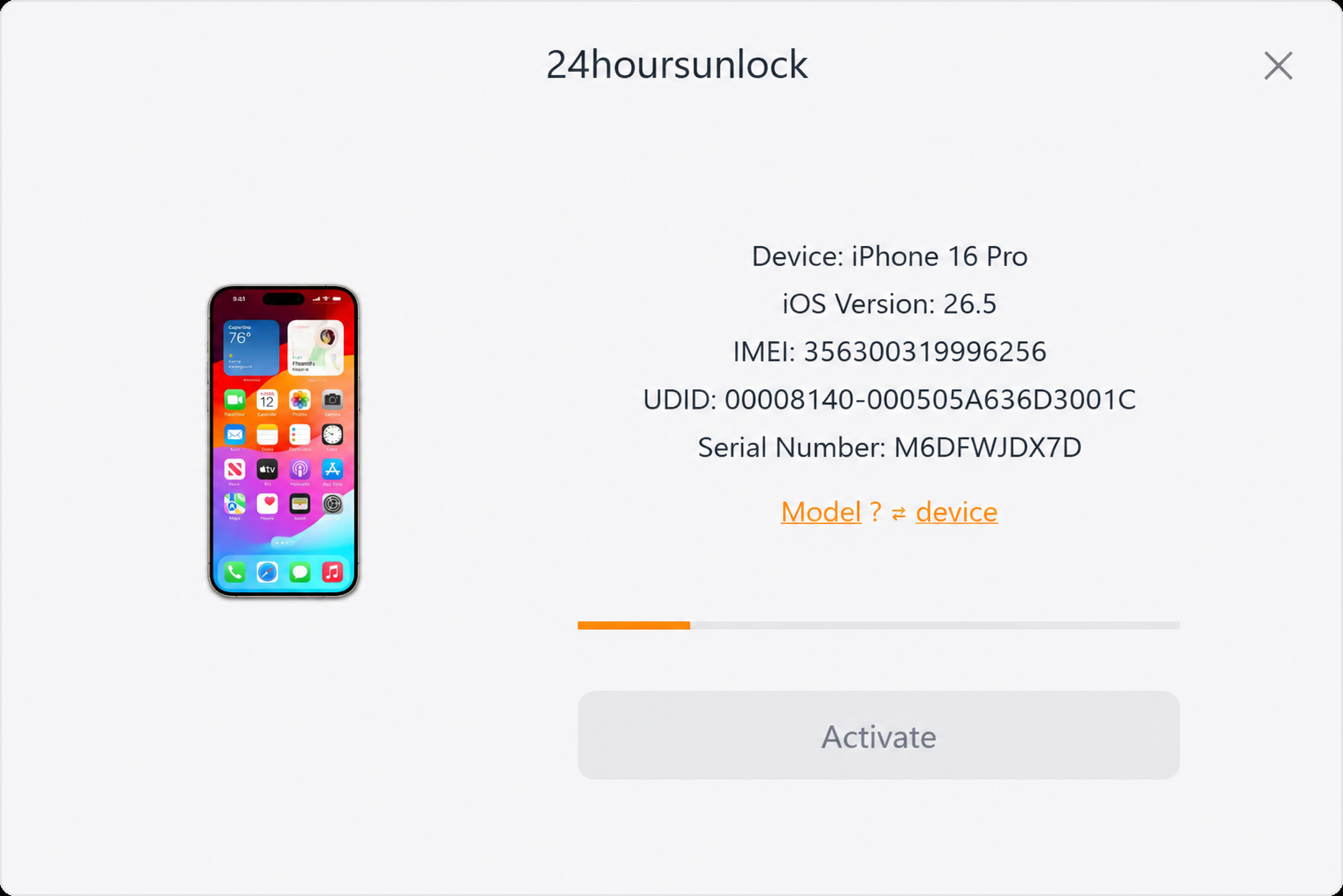
A native desktop client for the FMI OFF service. Connect your iPad or Apple Watch via USB — the tool detects your hardware in real time, validates eligibility against the 24hoursunlock database, and enables the Activate button only once your order is paid and verified.
- ✓Real-time device detection (Model · iOS · IMEI · UDID · Serial)
- ✓Activate button enables only after order is paid + verified
- ✓Premium dark UI · SF Pro typography · macOS-style window
- ✓Windows 10/11 (x64) · macOS 12+ Universal
How To Unlock FMI Locked iPad & Apple Watch
A step-by-step guide on how to verify your device, place an FMI OFF order, and instantly activate it.
Download Software
Get the Activator Serial tool for Windows or macOS and install it.
Connect Device
Plug your iPad or Apple Watch (via dock) into the PC with the original USB cable.
Verify Compatibility
The tool reads Model, iOS Version, IMEI, UDID and Serial Number automatically.
Place Order & Pay
Pick the matching service. Pay with Card, Crypto or Wallet balance.
Run FMI OFF
Click Activate. The Serial is whitelisted in our database — Find My is permanently removed.
Passcode Locked iPads Are Supported!
If your iPad is currently on the passcode lock screen, you can still use the FMI OFF service. First restore the device using DFU Mode to remove the passcode and reinstall iPadOS. Once the restore process completes and the device reaches the Activation Lock screen, run the Plist Activator Serial software to verify compatibility, then place your order and perform the FMI OFF process.
Excellent — based on 3,900+ reviews
We value each customer and are always happy to receive your feedback. 24hoursunlock holds a top position among the best companies in the Cell Phone Recycling and Unlocking Service category on Trustpilot.
“ Once again, the team delivers outstanding results! Their work is truly impressive. ”
Frequently Asked Questions
Which iPads are supported?+
WiFi-only iPad, iPad Air, iPad mini and iPad Pro models from Gen 5 through M4. Cellular (GSM) iPads are not supported by this method.
Does it work on passcode-locked iPads?+
Yes. Restore the device via DFU mode first to remove the passcode; then run the tool from the Activation Lock screen and place your order.
Is the unlock permanent?+
Yes — your Serial Number is added to the iRemove database permanently. After Activate completes you can set up the device as new.
How long does it take?+
Instant. The Activate button enables only once your order is paid and the device is connected; the unlock itself takes 1–3 minutes.
What about Apple Watch?+
We support Series 5 → Series 10 and Ultra 2 Activation Lock removal via the same tool when the watch is paired through the dock.